Updates for fleets
The PKG is the install vehicle; Sparkle handles upgrades. Recommended fleet flow: PKG for first install, Sparkle for upgrades.
How updating works
The self-hosted app updates itself via Sparkle: an EdDSA-signed appcast at https://updates.screenproof.app/appcast.xml, with update payloads that are notarized zips of the app. The appcast only ever offers builds signed with the same Developer ID + Sparkle key pair.
Default behavior is user-prompted: Sparkle finds an update and shows the user an install/later dialog — rollout speed depends on users clicking.
Silent updates (hands-off fleets)
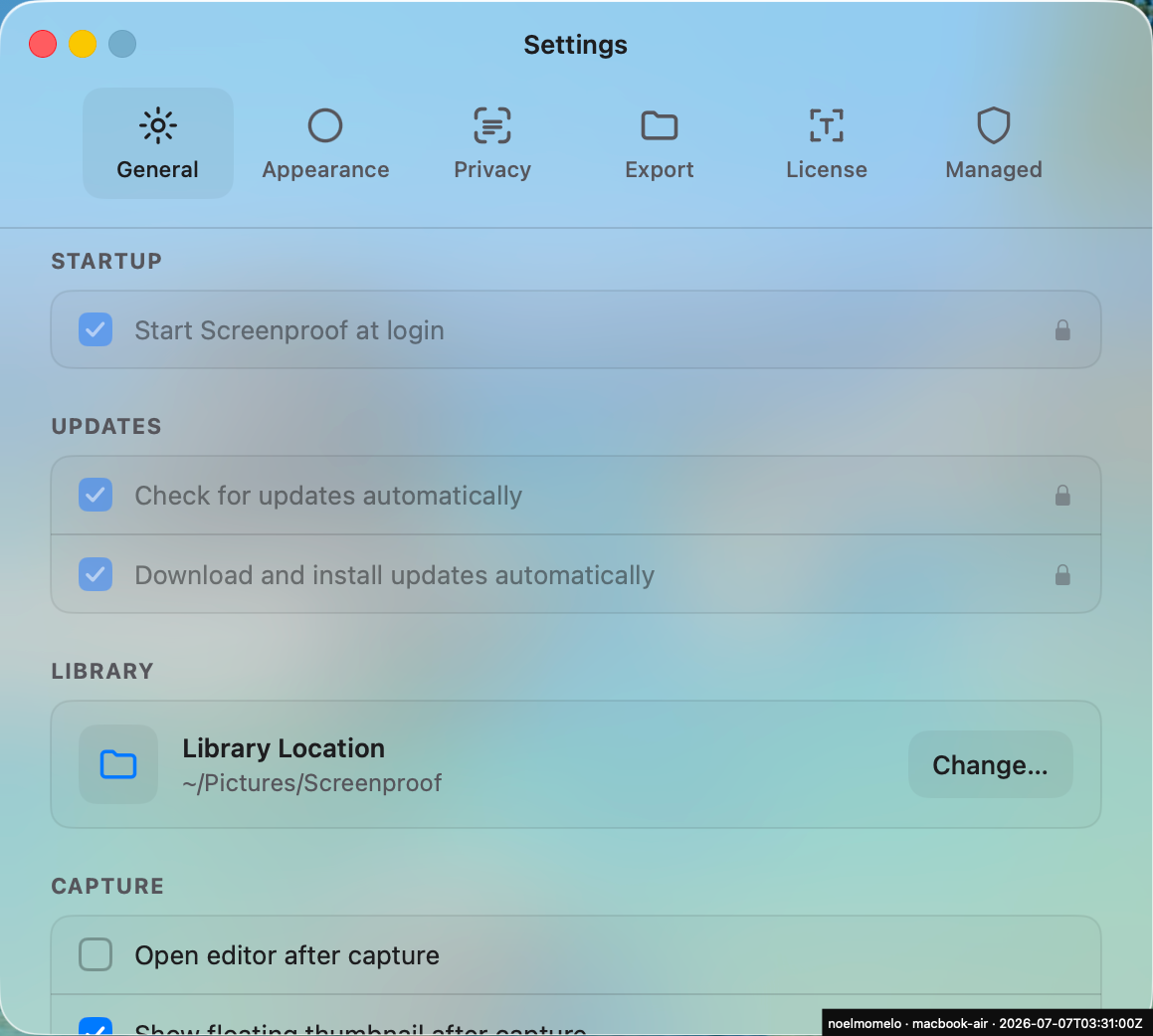
Sparkle stores its settings as user defaults in the app's own app.screenproof domain, so forced managed preferences override them — the same mechanism as every other policy key. Add three keys to your existing profile, or deploy examples/sparkle-silent-updates.mobileconfig as-is:
| Key | Type | Silent-update value |
|---|---|---|
SUEnableAutomaticChecks | bool | true — check the feed automatically, never ask permission to check |
SUAutomaticallyUpdate | bool | true — the "silent" switch: download + install without prompting |
SUScheduledCheckInterval | integer | seconds between checks; 86400 = daily (Sparkle enforces a 3600 floor) |
With all three set, the app checks the feed on its own schedule, downloads in the background, verifies the payload (EdDSA appcast signature + Developer ID + notarization), and installs with no dialog — the swap completes at the app's next relaunch, or when Sparkle relaunches it while idle. Users see nothing; the fleet is current within one check interval of every release.
Version pinning (release control instead)
Admins who want release control simply:
- Omit the three
SU*keys — users get the normal install/later prompt; Sparkle installs a newer version only when the user accepts, or - Block
updates.screenproof.appon your network and keep deploying pinned PKGs (Screenproof-<version>.pkg) via MDM.
PKG upgrades restart the app
The PKG's postinstall quits any running Screenproof for the console user and relaunches it through the LaunchAgent, so an MDM push means the new version is running within seconds — no manual quit/reopen, including LockAgent fleets where the user can't quit. Nobody logged in → nothing to restart; the agent's RunAtLoad starts the new version at next login.